
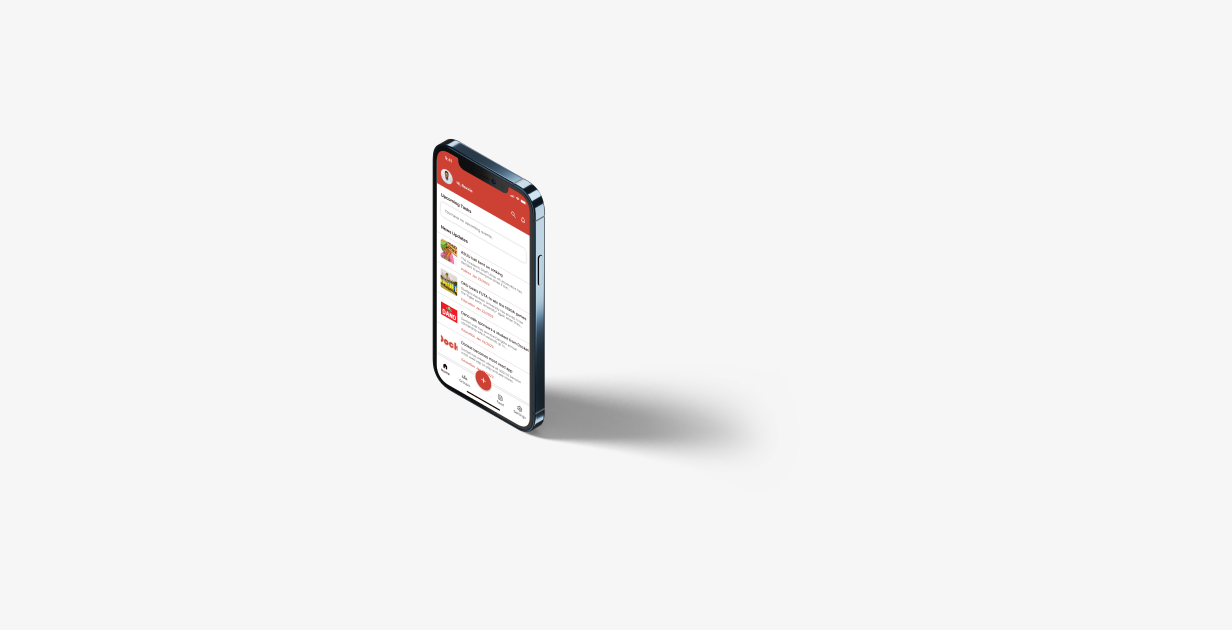
Docket is a productivity app with educational features designed to help users manage their projects while facilitating idea sharing among peers.
2 Weeks
Students
UI Designer
UX Designer
Develop an app to help students set tasks, collaborate with peers, and improve academic performance
Enhance unity and integration between different schools across the country.
My design process for the docket project follows a systematic and user-centric approach to create an intuitive and efficient productivity app. It consists of five essential stages:
Project Identification
Project Definition
User Surveys
Competitive Analysis
Problem Synthesis
User Personas
User Flows
Wireframing
Prototyping
Review
During the discovery stage, the project commenced with the conception of an idea. This idea revolved around transforming a productivity app into a multifaceted tool, one that not only boosts productivity but also incorporates valuable educational features.
In this stage, a thorough examination of the project's landscape was conducted. This included competitive analysis and quantitative research. The aim was to gain deep insights into the target audience, understand their needs, preferences, and pain points, and identify opportunities for improvement and innovation.
Insights from the quantitative research using google forms
Features they would love to see in the app
Features they disliked about some of the apps they have used
Feature
Multiple Sign In options
Push Notifications
Reminders
Tasks Creation
Live Feed
Chatting and Sharing
Templates
Groups
Trello
Airtable
Slack
Click Up
Docket
Yes
Yes
Yes
Yes
Yes
Yes
No
Yes
Yes
Yes
Yes
No
Yes
Yes
Yes
Yes
Yes
Yes
Yes
Yes
No
No
No
No
Yes
Yes
No
Yes
Yes
Yes
Yes
No
No
No
Yes
Yes
No
No
No
Yes
The research showed varying levels of app usage, with some users rarely engaging and others not using such apps at all. These findings informed a user-centered approach and directed project decisions toward meeting users' distinct needs effectively.
Following the research findings, I created user personas to identify their goals and challenges more precisely.
Name: Mfoniso Obonguko
Ocuupation: Student
Age: 18 years
Location: Uyo
Bio
Mfoniso is a 100 level linguistics student of the university of Uyo and she enjoys reading, achieving her goals and having fun with her friends.
Goals
Pain Points
Name: Ayodeji Eluyemi
Ocuupation: Student
Age: 20 years
Location: Osun
Bio
Ayodeji is a 500 level Engineering student of Obafemi Awolowo University and he enjoys reading, inventing and having fun with his friends.
Goals
Pain Points
With the concept solidified, objectives defined, and insights gathered, I transitioned into the design stage. This phase involved translating ideas into tangible sketches, user flows, and wireframes, shaping the foundation for the app's visual and interactive elements.
User Flow
Low Fi - Sketches
As the design stage reached its conclusion, I proceeded to the prototype stage to evaluate the functionality of my designs. Below, you can explore the prototypes I created to bring the concept to life.
The loading screen serves as the gateway to the app's user experience, setting the stage for what lies ahead.
The onboarding screens play a crucial role in helping new users kickstart their journey with the app. They serve as an educational tool, introducing users to the app's features, functionality, and value, while seamlessly guiding them through the setup and usage process.
These screens serve as the initial entry points for users, granting access to the app's wide array of features and functionalities.
The home screen acts as a central hub, providing easy access to all other app features. It offers users a quick overview of upcoming tasks, news updates, a search button, notifications, and a convenient navigation bar for seamless interaction.
The groups screen, accessible through the navigation bar, fosters user communication and idea sharing within the app. Users can request to join groups via the feed or search function, enabling them to initiate conversations and share valuable resources. This feature plays a pivotal role in promoting integration and collaboration among users.
The create screen serves as a multifunctional hub, allowing users to both create and publish projects while also setting tasks and goals within the app. Users can showcase their projects on the feed, enhancing visibility, and effectively manage their time by setting tasks and reminders to stay organized and productive.
The feed screen serves as a dynamic platform for users to showcase their projects while also providing inspiration and resources for others in various fields, including arts, science, and engineering. This section of the app fosters networking, knowledge sharing, and national integration by categorizing projects based on their respective domains.
Difficulty in finding people for interviews
Limited prototype showcase options due to the free plan in Figma.
Utilized quantitative research as an alternative to interviews
Chose YouTube as a platform to display prototypes after exploring various alternatives.
Continuous learning is essential
Docket was a valuable project, with room for improvement.
Figma
Youtube
Miro
Google Forms
You've earned a virtual round of applause! 🏁👏